Transform your Eclipse IDE.
Beyond colors.
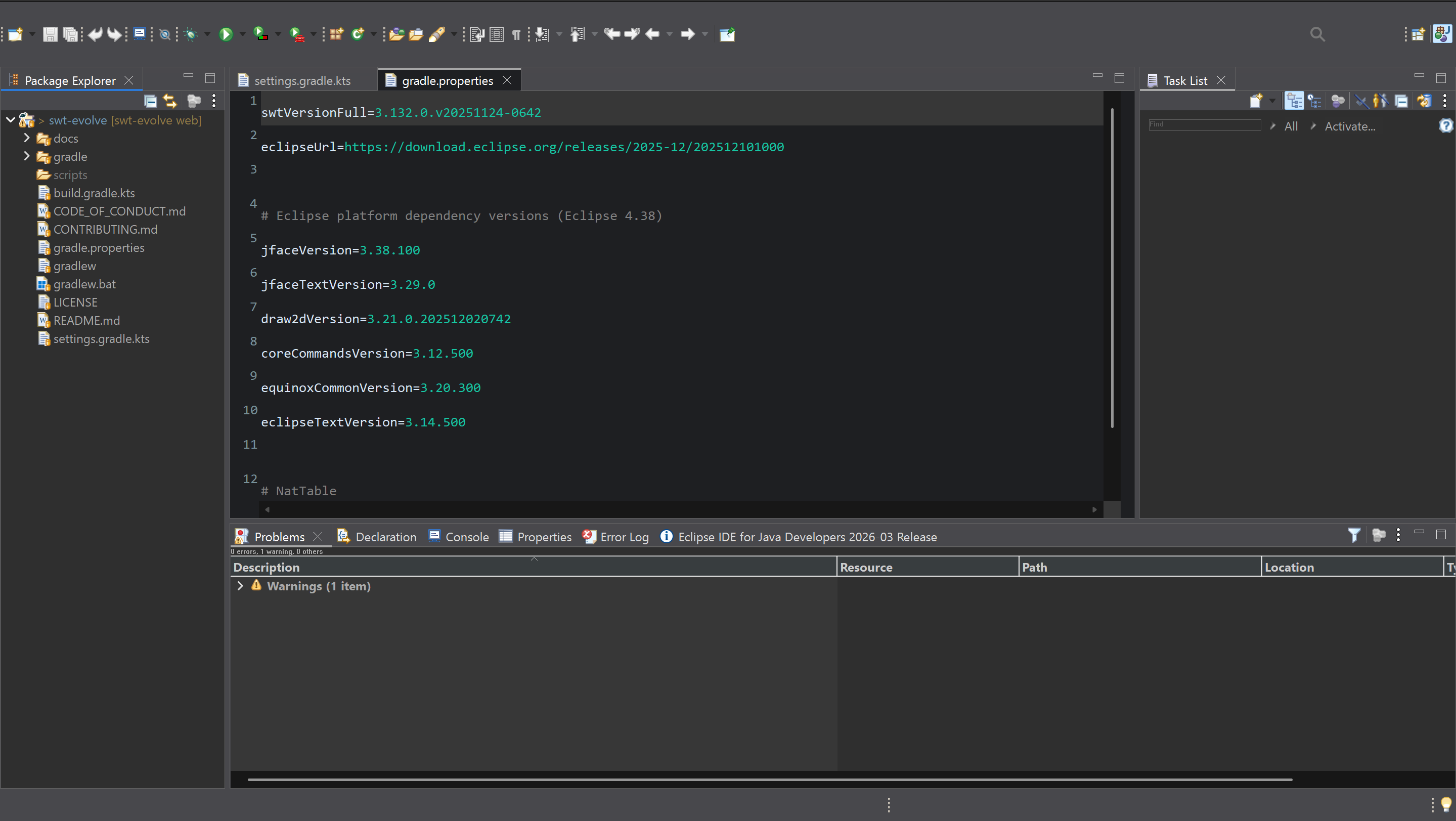
Leave 2005 behind. Experience pixel-perfect rendering, fluid animations, and infinite customization, powered by SWT Evolve.
Install Eclipse IDE Modernizer
One plugin. Light and dark themes included. Choose your theme inside Eclipse.
GPU-accelerated rendering, modern themes, and pixel-perfect UI for your Eclipse IDE.
How It Works
Drag to Eclipse
Drag the install button above into your running Eclipse IDE window.
Accept & Install
Eclipse will prompt you to install. Click Install and accept.
Restart & Choose Your Theme
Restart Eclipse. Pick your preferred theme from the main toolbar.
Not Just Themes.
A New Rendering Engine.
Pixel-Perfect Rendering
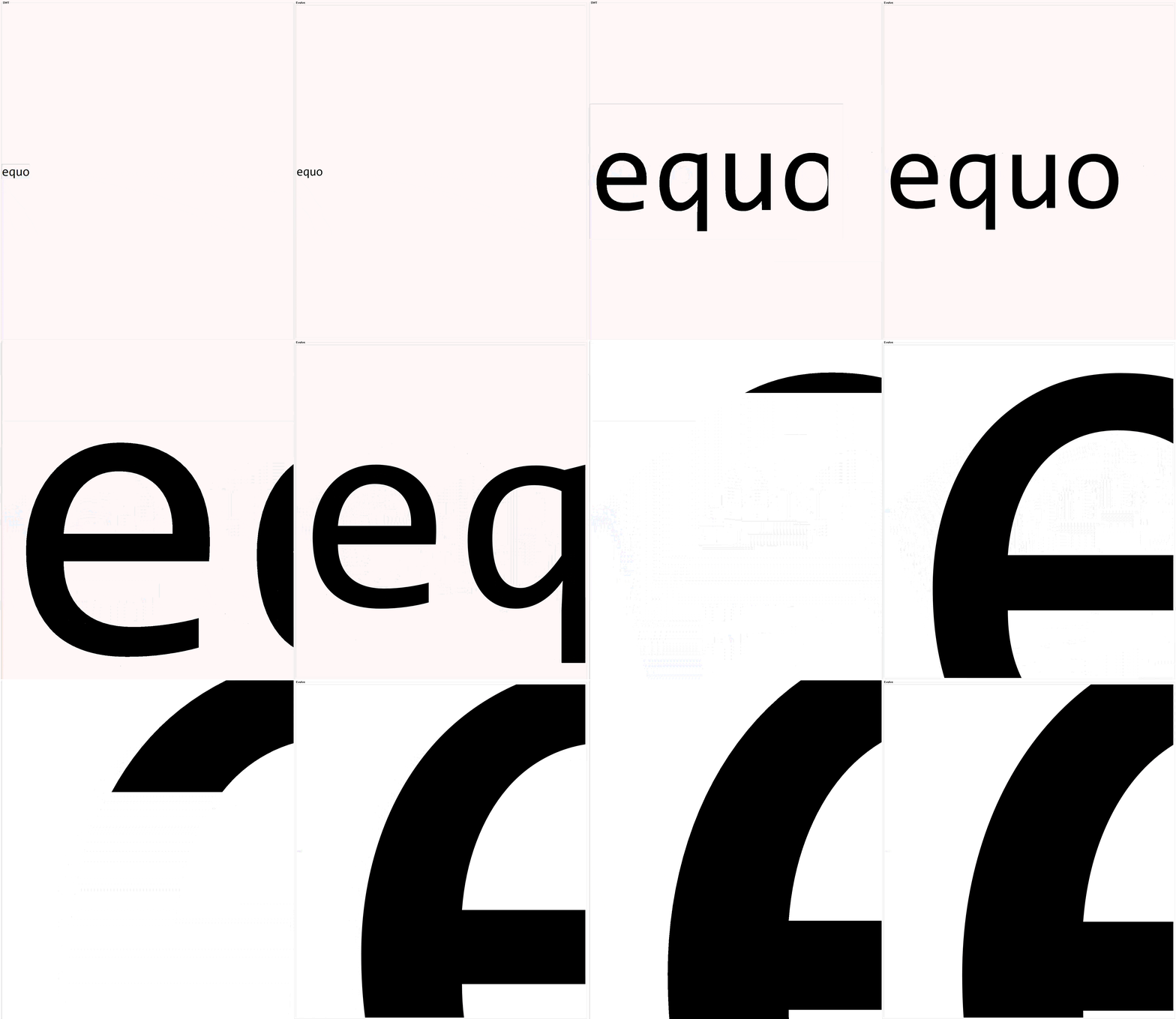
Hardware-accelerated GPU rendering replaces the decades-old SWT graphics pipeline. Every pixel is crisp. Text is anti-aliased. Icons are sharp at any DPI. This is not a CSS overlay. It is a new engine.
Native Fluidity
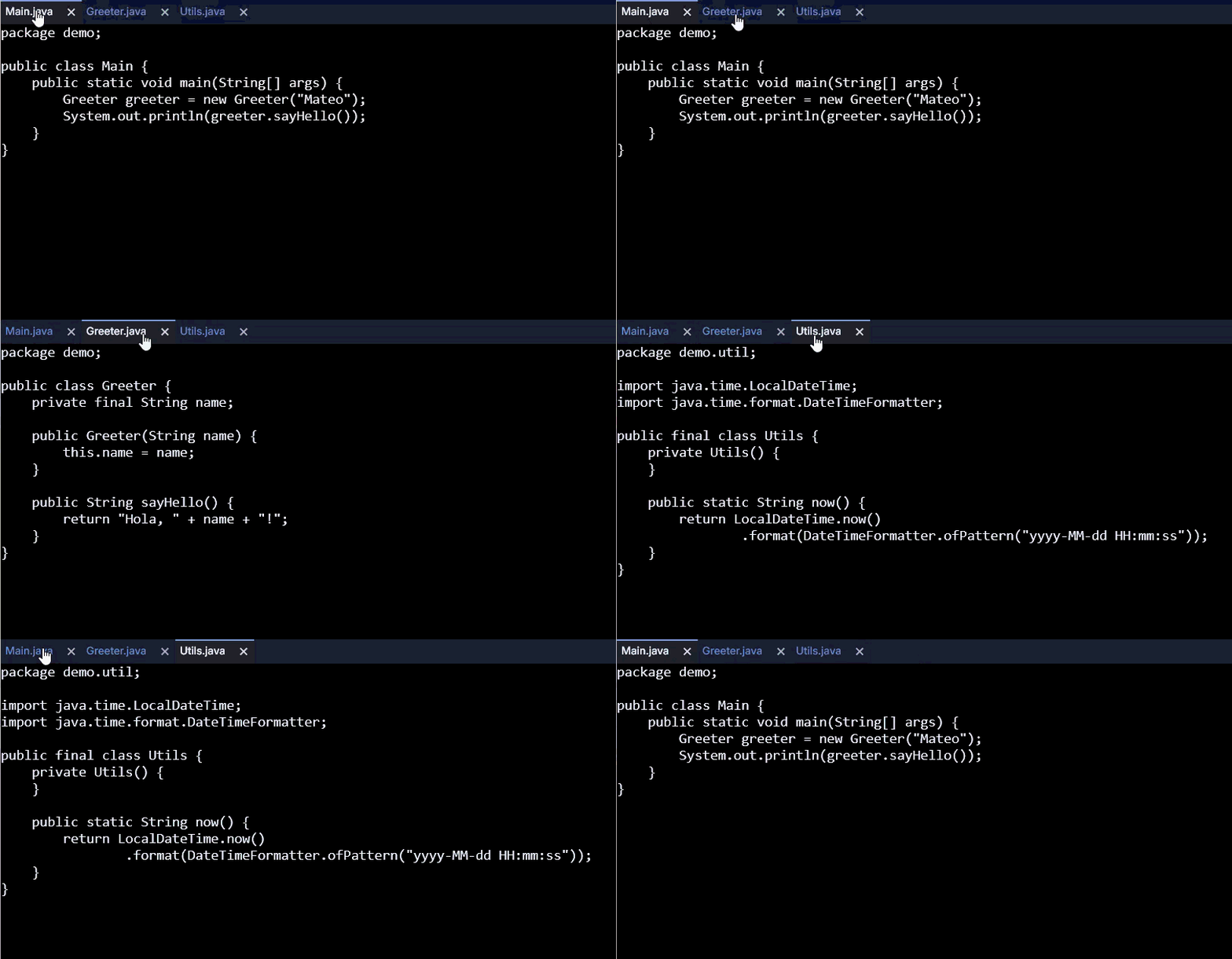
Smooth 60fps animations. Tabs slide. Panels transition. Scrolling feels natural. The non-blocking event loop means your IDE never stutters, even with massive projects.
Absolute Control
Per-pixel customization of every UI element. Colors, spacing, borders, fonts. Customize the full palette to create your ideal workspace.
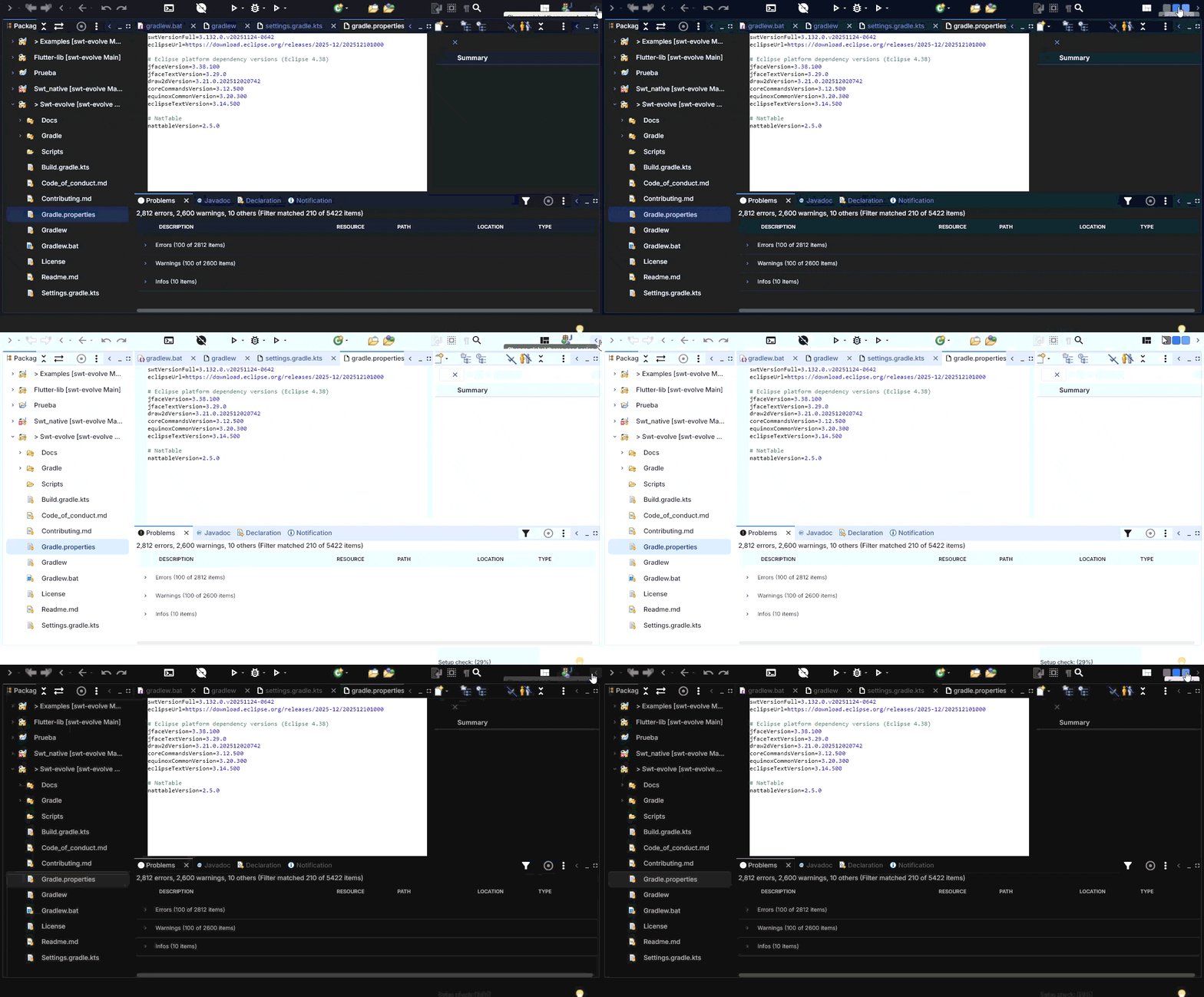
If Equo can make Eclipse look this good, imagine what SWT Evolve can do for your company's legacy RCP applications.
SWT Evolve modernizes any SWT or Eclipse RCP application, without changing a line of code.
Learn about SWT Evolve for enterprises →
© 2026 Equo Tech, Inc.
Please insert a valid email address
Channels